Acts as a webcam
Turn your phone camera into a webcam for your PC using WebRTC; low latency ideal for calls and recording.
Turn your phone camera into a webcam for your PC using WebRTC; low latency ideal for calls and recording.
Everything runs on your local network (Wi‑Fi). No accounts or cloud services — your data stays inside your network.
The mobile app lets you switch front/back cameras. Auto settings optimize quality for your device and network.
ruinkam streams video only from Android devices where the app (APK) is installed. The phone acts as a server on the local network and shows the IP/port to pair with the PC client.
Designed as a local webcam solution for calls, recording and presentations; not a surveillance system. ruinkam does not send your video to cloud servers nor store images remotely by default.
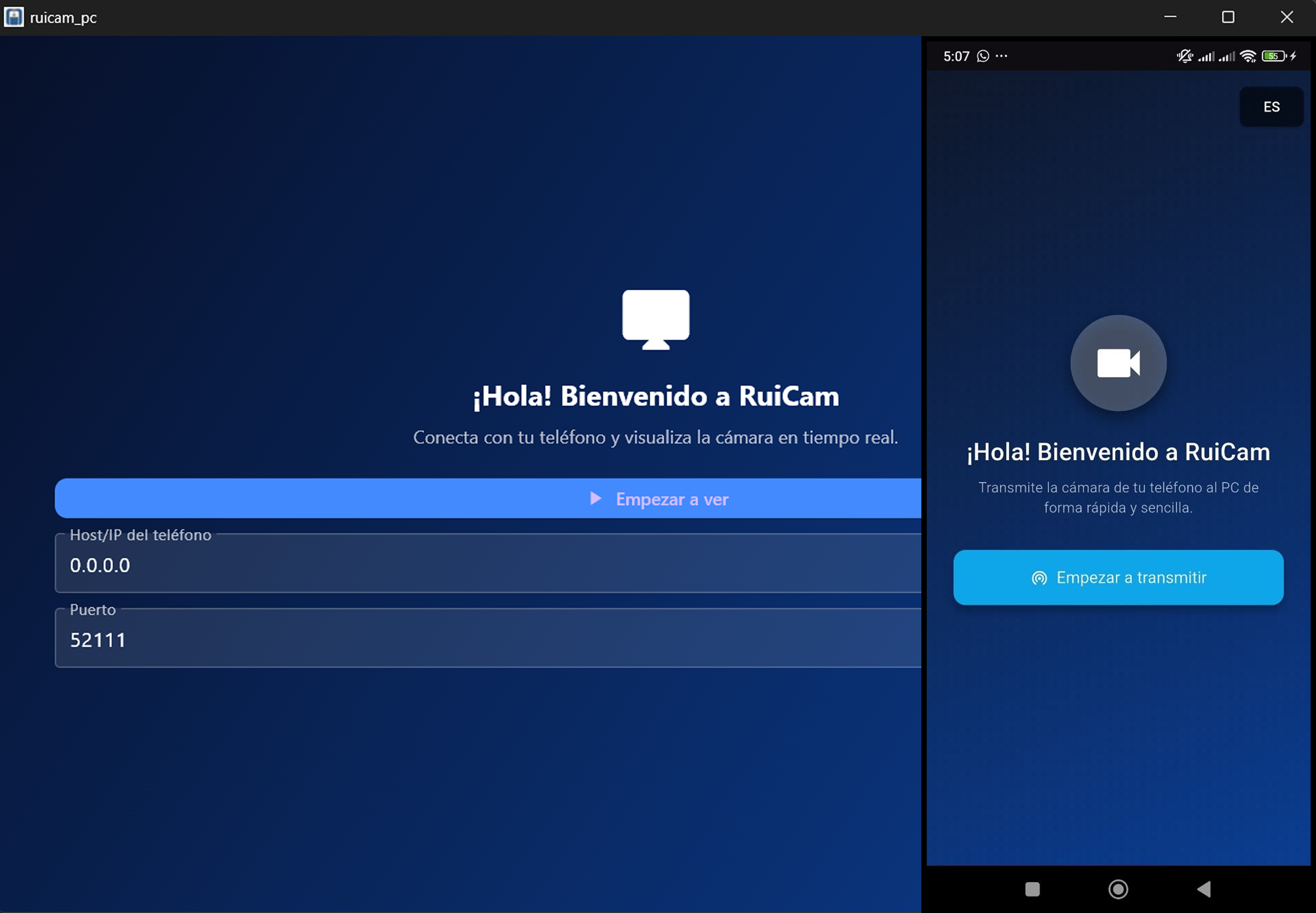
Use ruinkam as a webcam for calls, mobile recording or as an alternative to USB webcams.
Get ruinkamDownload the app for your phone or the client for your PC.
No — ruinkam runs entirely on the local network without accounts, registrations or external services.
Install the ruinkam APK on your Android phone. The app will show the IP and port to pair with the PC client.
No. ruinkam is meant as a local webcam for calls, recording and presentations. Use with consent and follow applicable law.